
I’m Back and Still Sandwiched
How’s that for a long break?
I haven’t written a post in almost 5 months, so maybe some explanation is necessary before just jumping back in. Really, 2 big things happened, and my guess is that these are the ones that usually confound previously dedicated bloggers. First, the main source of angst that was driving my blog — which was trying to juggle helping out my father with everything else I was juggling — really petered out. That is, my father is doing great and continues to do great. His C Diff is gone. He is settling well into his new place. The crush of trying to sell his house, figure out where the doctors are and whether or not we could trust them, deciphering the Kafka-esque mystery that is Medicare – all of that is done.
Part of what caused this is that I helped start a support group and the feedback I got from members who had been at the caregiver game longer than I had was “Give yourself a break.” Good advice unless you are trying to stay motivated to write a blog about how you can’t give yourself a break.
So, writing as self-therapy didn’t have the same pull.
The bigger issue, really, is that I started a job. I haven’t had a “real” job in a long time where I manage people, commute to an office, have a real manager, and have direct deposit. Direct deposit is sort of a shocking and wonderful concept actually. Anyway, I became CFO of a software company called ObserveIT back in April and it was quite an adjustment. More on that in other blog posts. Put simply: full-time employment is the enemy of hobbies.
I finally feel more settled at work, as defined by being highly committed and busy, but no longer scrambling. To clear out space for writing, I made a pact with one of my favorite scribes, my daughter Sophie. She and I have carved out a dedicated time slot weekly where we both write. In the realm of multitasking and great parenting, I also plan to use this time to indoctrinate her away from dance music into what I am going to call “writing music”. This is code for music to which it is my solemn responsibility to introduce her. Tonight we are listening to Dire Straits. Someone has to do it.
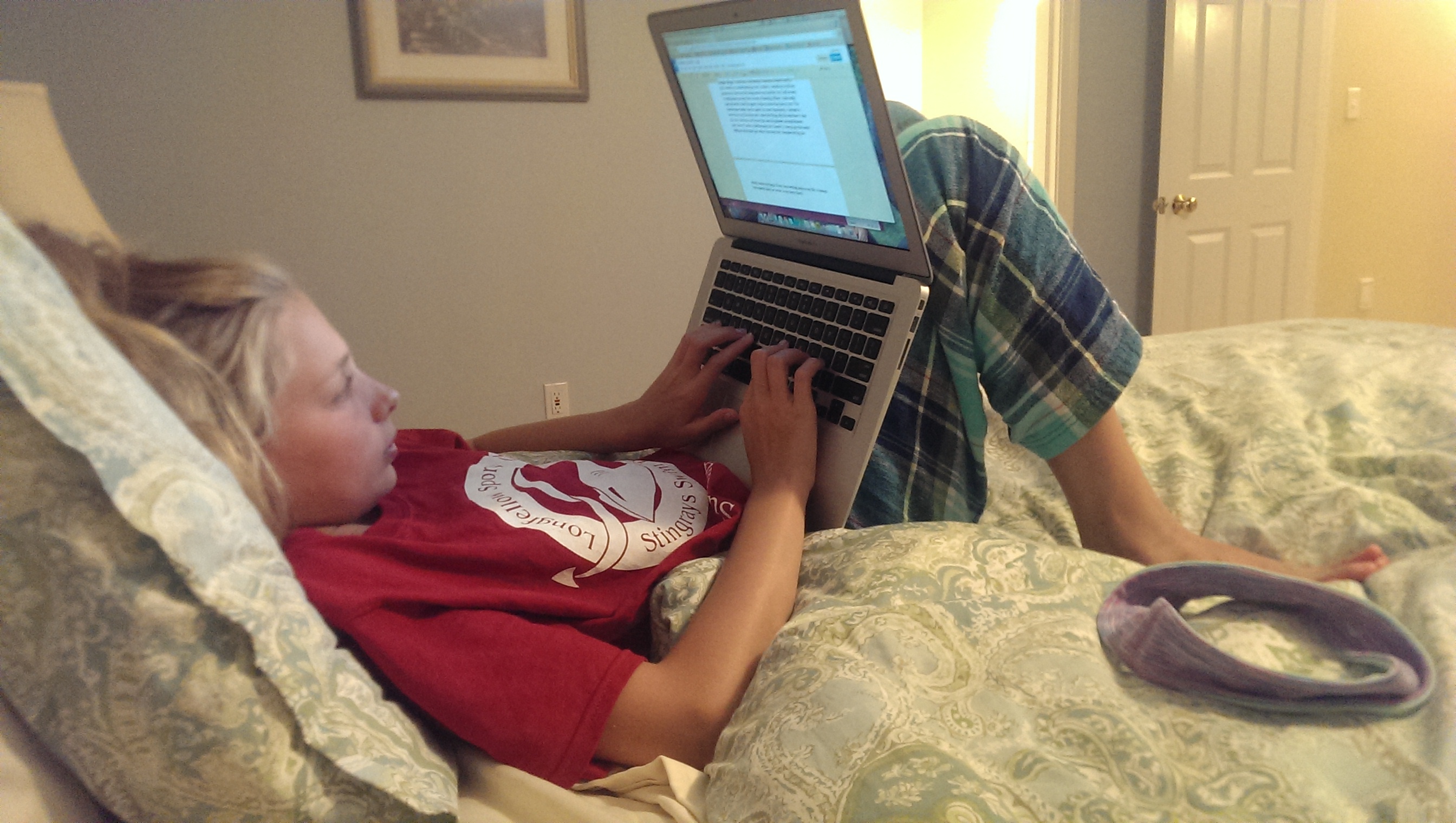
Which brings us back to the question of topic. I have felt less angst-ridden about my father recently so I am pretty sure I can’t sustain a blog about that. (Note: I hope I’m right!).
That said, I am still as sandwiched as ever. Meaning, I have plenty that to explore related to work/career, raising children, marriage, being neither young nor old, and to being in a weird place called “middle age”. Facebook recently has been just as much about friends who are fighting and beating cancer as it once was for baby or wedding pictures.
A friend mentioned to me that writing twice per week seemed an unsustainable pace. Maybe — although I loved it while I was doing it. So, I’ll start with my weekly time with Sophie and take it from there. I’m glad to be back.
No Time for Selfies
A quick note on what “the real world” is.
It’s been noticed and commented on by many that everyone is taller, faster, funnier and cooler on social media than in real life. As the number of channels grows (Facebook, Twitter, Instagram, Google Plus, Pinterest for starters), it must be getting harder to build a #personalbrand. But that doesn’t mean that people aren’t trying.
And if you think this seems silly on an average day, you can imagine how I react to it on days when I am locked in sandwich generation or caregiver mode. Food porn selfies, videos of the great concert, car lust commentary, political rants to the echo chamber, absurd Top 10 lists, or nearly anything from the Huffington Post – it seems like another world entirely. For some reason, it makes me feel even more isolated than I do already. On the bad days (and yes, there are bad days), it’s almost insulting that people are taking time out to advertise themselves.
Do I know that this is irrational and ridiculous? Yes. But it’s how I feel sometimes, and if you can’t recognize and honor your own feelings on occasion, you will not last long emotionally in the caregiver game. Or the Sandwich Generation one.
I think this is especially true as a man, where you are often expected to advertise, publicly, that you are above feelings.
Not sure that’s going to make a worthy tweet. #ohwell
Sandwich Generation Irony alert – Part 2
You know how most blog posts from caregivers are about their elderly parents? Well, right now, the list of my family members from healthiest to sickest looks something like:
1. My daughter Sophie
2. My dad
3. Me (distant 3rd – I don’t recommend going for a weekend of skiiing and drinking with your friends when you actually have the flu, nor do I recommend flying home from said weekend on a red-eye into a flu-filled house. I’m just saying.)
4. My daughter Lily, who I took to the doctor earlier today fearing pneumonia. She doesn’t have pneumonia, but when your kid is too flu-ridden to sleep, you have to get it checked out.)
5. Nova. She is out cold for the 3rd day in a row.
My dad just commented over email that he wishes he could help. He better not offer that again, because I’ll find something. In the sandwich generation, it usually works the other way. But sometimes….

Yes – It’s a Waiting Room Selfie with my daughter Lily
Top 10 tech tips for the Sandwich Generation
Let’s face it. When you are helping manage an elderly parent’s life, you face the toxic combination of accountability without responsibility. That is, you are sort of in charge, but not really, because this is your parent we are talking about. As you remember from your childhood, this person has an opinion.
Anyway, I am here today to tell you the good news. You live in an era which has technology that can make your parent’s life better, and your life a little easier.
Here are my top 10 devices/gadgets/tricks to help you accomplish a lot to take care of your elderly parent and save you a lot of worry and time. This post is also cut-and-paste friendly so that you and your parent can look at it together and decide which of these make sense. Here goes, in no particular order:
1. Dropcam – do you wish you knew when your parents’ delivery or repair guy showed up (or didn’t)? This $149 web camera is easy to install anywhere there’s a decent wireless signal, and then broadcasts the picture privately to an app on your smartphone. Point it at the door to your parent’s place, sign up for the $10/month logging service and now you have a record of everything, including when (and IF) your parent came and left. Many is the time my father has been late to meet me, but it’s not a big deal, because thanks to Dropcam, his departure time is easy to figure out. And it’s not invasive because, trust me: you will not be watching this all the time.
2. iPad – admit it: you are tech support for your parents and it makes you crazy. Rather than recommending how to manage this bad situation, I instead advocate that you help your parents ditch their computer entirely. Use a tablet instead. Fewer viruses, fewer moving parts to break, easier to transport around their house/apartment, and the ideal platform for checking out pictures and videos of the grandkids. Makes Skype accessible, and great for reading (Kindle app with big print = success). Plus it has a camera. Bonus tip: definitely get a Zagg keyboard with it too.
3. Amazon – whether you know it or not, you are the shopper of last resort for your parents. Why not make it easy to pick up the 1 or 2 things they never have time to go buy? If you have an Amazon account, add your parent’s address and preferably their Visa or Amex card. Then sign up for Amazon Prime if you haven’t already. Now you can shop for them for just about anything in minutes. Note: you will also need an Amazon account for your parent if they don’t have one already so that they can buy or borrow books on Kindle.
Now, for a word about telecommunications (a.k.a., the phone):
4. Google Voice – old telephone technology makes it nearly impossible for you to serve as a backup for your parents. Enter Google Voice, which gives you a virtual phone number that you can forward to any phone, or connect via a little adapter (we use OBI, but there are many others for this) to a regular telephone base. This is a lifesaver. His voicemails get sent to him as emailed voice recordings, so they are easy to listen to. And, I forward a copy to myself. Again, I don’t listen to these 99.9% of the time, but I know when the calls came in, and if he misses anything, I am a pretty good backup. Then on his cellphone (coming up next), I recorded a voicemail greeting that says “I don’t listen to this voicemail — call me on my home phone instead, which is 508-xxx-xxxx.”
5. Panasonic KX-TG4745B home phone – big buttons, easy to program and add handsets and LOUD, LOUD, LOUD. Which is great for him. He has an 800 square foot apartment and 5 handsets because his mobility is terrible. But now he is reachable. My father’s hearing is so bad that he uses the speaker phone next to his ear to hear the phone. I don’t judge – it means I can actually call him now.
6. Snapfon, with ported home phone number – now that you have a new home number, keep the old home number by porting it to a mobile phone (your current provider won’t be happy, but that’s life!). We use Snapfon for my dad, a cheap big-buttoned cellphone that is not smart and is therefore very, very easy to use. We moved his old home phone number to it when he moved. He almost never remembers to have it on (not a big deal – remember the Google Voice trick above), and has forgotten how to use almost all of the features. But he has a cellphone if he really needs one, and at $15/month, it’s a bargain.
And, now back into the apartment.
7. Apple TV – my dad is hooked on Apple TV, especially since he can stream YouTube to it from his iPad. When you give your parent the gift of seeing any content they want on the television set they love, you will change his life. I promise. And, because the iPad talks to it, your parent will soon be watching anything and everything on their TV set.
8. Powered recliner – my sister-in-law suggested this, and I scoffed at first, but I was wrong. My father’s chair will recline so that he can nap and read in extreme comfort, and also will electrically move him into nearly a standing position so that he can escape. The La-Z-Boys will run you over $1500, but we bought a much less expensive one from Spinlife and it looks great. Even a cheap one of these is about I went with the faux leather rather than cloth because it’s easier to keep clean (if your parent has incontinence problems, fabric… well, you know). Another tip: although you can file for a Medicare reimbursement for part of the expense, don’t do it if you can forgo the money. The process hurts, and can suck up a ton of time that will then delay your loved one falling asleep in comfort.
9. TV headphones – rather than blast the TV, my dad has headphones with a remote wireless transmitter that plugs into the audio out jack of his TV. I gave the link for the Sony headphones, which are $80, but really any pair will do if your parent, like mine, is nearly hard of hearing.
And last but not certainly least…
10. Google Calendar / Gmail: your problem is this: you want to be able to micromanage things, but not do all of the work yourself. And you can’t always call to remind your loved one about events. It turns that you have kids who you are shuttling to dance/swim/soccer/Bar Mitzvah/football/violin practice.
So if you can possibly move to a model where email is the central communication channel, do it.
I remind my father about calendar appointments by putting them into Google Calendar and having a reminder email sent at least a few hours before to his gmail account. My dad has recurring appointments that he now gets email reminders for and never forgets. Once you get used to this system with email as the glue, you will never go back.
I subscribe to his Google Calendar. Then I can add appointments on his calendar and mine at the same time and set up alerts for him.
I also know his gmail password — again, I NEVER read his email, but if for some reason he needs me to doublecheck things for him, I can do it. He uses the native iPad mail program as his mail “client” (the program with which he reads email). It’s not perfect but works well enough.
I realize that not everyone has parents who can handle email. My advice is that if you can possibly make the up-front investment to make this work, find the time. Travel down to your parents’ home if they live far away and implement as many of these as you can. It is going to improve your life radically caring for a remote relative for whom, in the end, you are both accountable and responsible.


 The Sandwiched Man
Recent Comments